Designing With AI in 2026: What Creates Real Leverage
From hands-on use across ideation, design, and build, it's obvious that AI workflows change with the problem at hand. This breakdown shows what's worked in real projects, and where AI has created real leverage.
Designing With AI in 2026: What Creates Real Leverage
From hands-on use across ideation, design, and build, it's obvious that AI workflows change with the problem at hand. This breakdown shows what's worked for me in real projects, and where AI has created real leverage.
It's Not About the "Best" Tool
There's no single best AI tool. What matters is using the right tool at the right stage.
Ideation → Iteration → Build → Polish → Content
Trying to force one tool to do everything only slows you down.
Phase 1: Ideation (Speed > Perfection)
Tools: v0, Superdesign.dev, Variant.ai, Aura
This is where AI is unbeatable. I want volume, not polish.
- Prompt-based UI exploration
- Inspiration + copy generation
I'm not designing final screens here. I'm looking for sparks.
Phase 2: Iteration (Taste Still Wins)
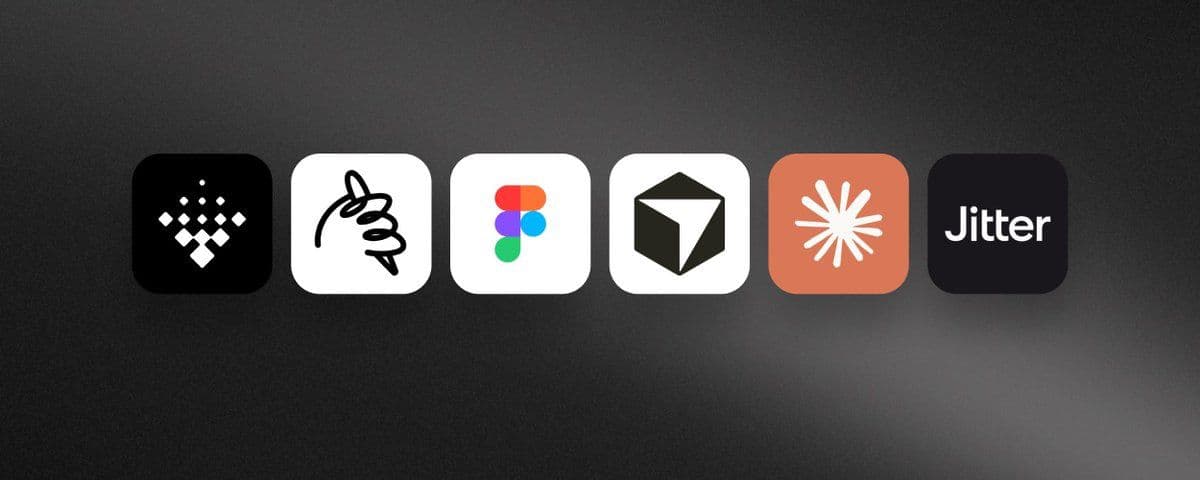
Tool: Figma
AI gets me about 60% of the way. The remaining 40%—taste, hierarchy, judgment—is still human.
This is where real design thinking happens.
Phase 3: Build (Designers Get an Unfair Advantage)
Tools: Claude Code, Vibecode, Cursor
Claude Code lets me prototype real, polished experiences without waiting on dev. Vibecode helps me spin up functional prototypes fast. Cursor fills the gaps.
Design → code → design → code is the process now. The handoff model feels outdated.
Phase 4: Visuals & Motion
Images: Midjourney, Lummi
Motion: Claude Code + Remotion, Jitter
Midjourney for expressive visuals. Lummi for fast, clean imagery. Remotion for programmatic motion. Jitter for quick social or pitch animations.
Iteration speed beats perfect tools.
What I've Learned
AI is for speed and options; humans are for decisions and taste. The design–code loop is the new default. Automate boring work first. Your workflow should fit how you think—not copy someone else's.
The tools will change. The principle won't.
If you're a founder trying to move fast without cutting corners, this is the reality of modern product building.
Talk to us to discuss your product vision.